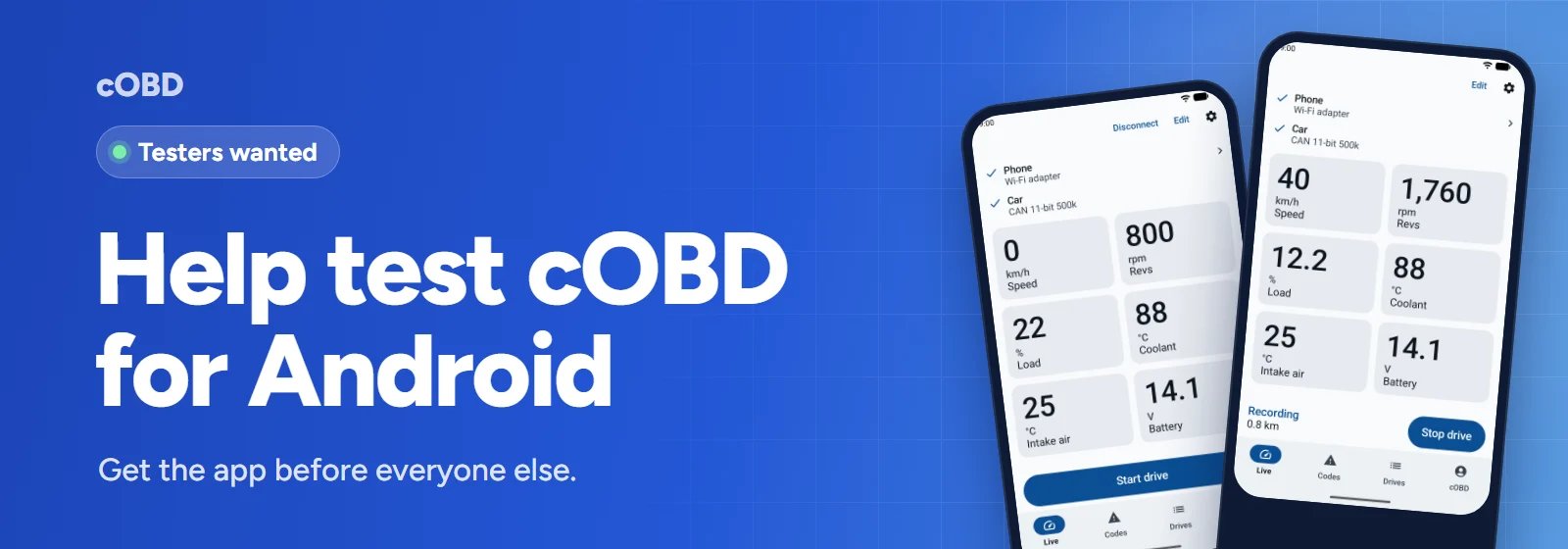
cOBD now has its own Android app. It reads your car through an ELM327 adapter, shows fault codes and live readings, and records your drives, with or without a cOBD account.
Before it can go on Google Play for everyone, Google wants at least 12 people to test it for 14 days. You can help, and you get the app before everyone else.
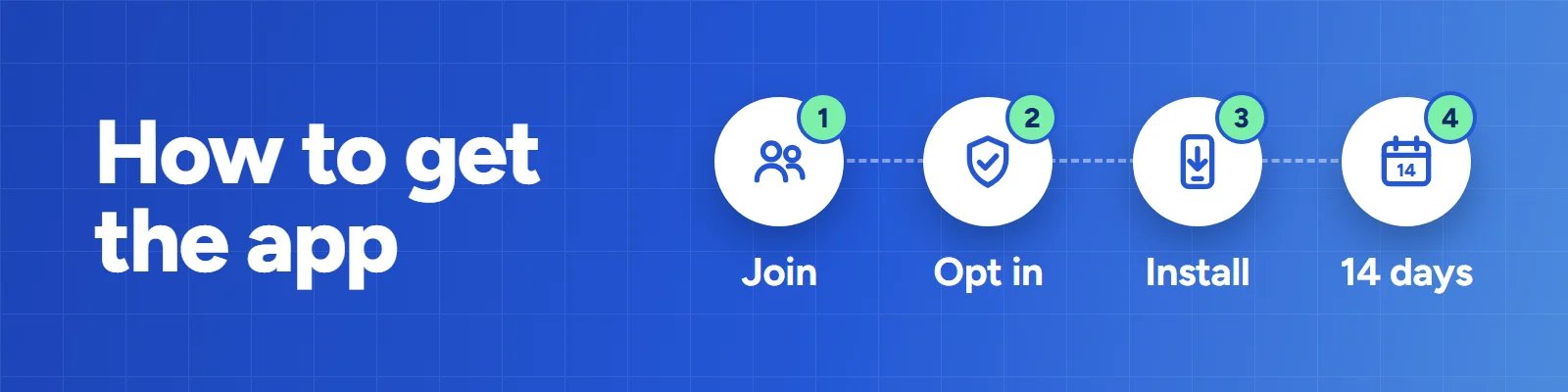
You need an Android phone and a Google account. Use the same Google account in every step, the one your phone's Play Store uses.
1. Join the testers group. Open groups.google.com/g/cobd-testers and click Join group. You're in straight away.
2. Opt in. Open play.google.com/apps/testing/com.cakcan.cobd and click Become a tester. If the page says the app isn't available, Google is still checking the test. Try again in a few days.
3. Install cOBD. On your phone, open cOBD on Google Play and tap Install. Testers can't find the app by searching Play, so use this link.
4. Keep it for 14 days. Open it now and then. You don't need an adapter for this. If you have one, try it on your car and write what you find to support@cobd.app.